Managing a WordPress site isn’t just about theme updates or publishing posts, it’s also about staying organized. Without the right system, emails and scattered notes can slow you down. That’s why using WordPress tasks management tools is essential to manage projects, create tasks, and keep everything on the same page.
In this guide, we’ll explore the best WordPress task management tools to streamline project organization, boost productivity, and give you complete control over your website projects.
Why Use Task Management Tools in WordPress?
Managing a website without structure often feels like juggling endless to-dos across emails, sticky notes, or separate apps. That’s where a project management tool built into your WordPress site makes sense.

With the right project management software, you can centralize everything, tasks, deadlines, and team communication, directly inside your WordPress admin dashboard.
Instead of bouncing between different platforms, you can create projects, assign users with the right user roles and permissions, and keep track of both unlimited projects and unlimited tasks without confusion.
By integrating directly with popular WordPress plugins like WooCommerce or Elementor, these tools save time and eliminate the need for external apps.
Whether you’re managing an existing project or starting fresh, WordPress task management plugins give you full control over organization, streamline workflows, and ultimately boost productivity.
Contact WPTasks and Make Task Management Effortless!
Stop juggling scattered tools, manage projects, assign users, and track progress directly from your WordPress site.
Key Features to Look for in a WordPress Task Management Tool
Not all plugins are created equal, so it’s important to pick a great tool that offers all the features you’ll actually use. Here’s what to look for:
- Task Creation & Assignment: The ability to create projects, break them into tasks, and assign users is core to any project management software. Look for plugins that support user levels, user permissions, and recurring or repetitive tasks so you don’t waste time rebuilding the same workflows.
- Deadlines & Reminders: Managing due dates is critical. Tools with calendar view, grid view, and automatic email notifications ensure nothing slips through the cracks. Some even let you add custom fields or unique prompts for better goal tracking.
- Team Collaboration Features: Communication is just as important as scheduling. Features like discussion threads, file sharing, and to dos keep co-workers on the same page. For agencies or larger teams, being able to drop features you don’t need and use premium add ons when it makes sense gives you flexibility.
- Dashboard & Reporting: A clean dashboard with progress charts, progress bars, and goal tracking helps you review achievements at a glance. Advanced plugins also offer API access, premium extensions, and plugin updates to expand reporting and automation, giving you limitless possibilities.
- Integration & Advanced Features: The best plugins integrate with popular WordPress plugins like WooCommerce and Elementor, while offering advanced features such as android app access, premium features like Gantt charts, or even a lifetime license or one time fee option. These ensure your tool grows with you instead of holding you back.
From a simple free plugin with a free plan to premium tools with pricing plans, premium add ons, and unique features, there’s a solution for every budget and workflow. The key is finding a plugin that balances simplicity with flexibility, so you get what you need today with room to grow tomorrow.
Read Here: Ultimate WordPress Management Guide
Best WordPress Task Management Tools
Managing projects directly inside your WordPress site is easier than ever thanks to a wide range of plugins and integrations. Each tool comes with unique features that help you organize tasks, collaborate with teams, and keep clients in the loop. Let’s explore the top WordPress task management tools you should consider in 2025:
Projectopia
Projectopia is a full-featured project management tool designed for freelancers and agencies who want everything under one roof. It includes project quotes, invoicing, and client management, which means you can handle both financials and tasks without juggling multiple tools.
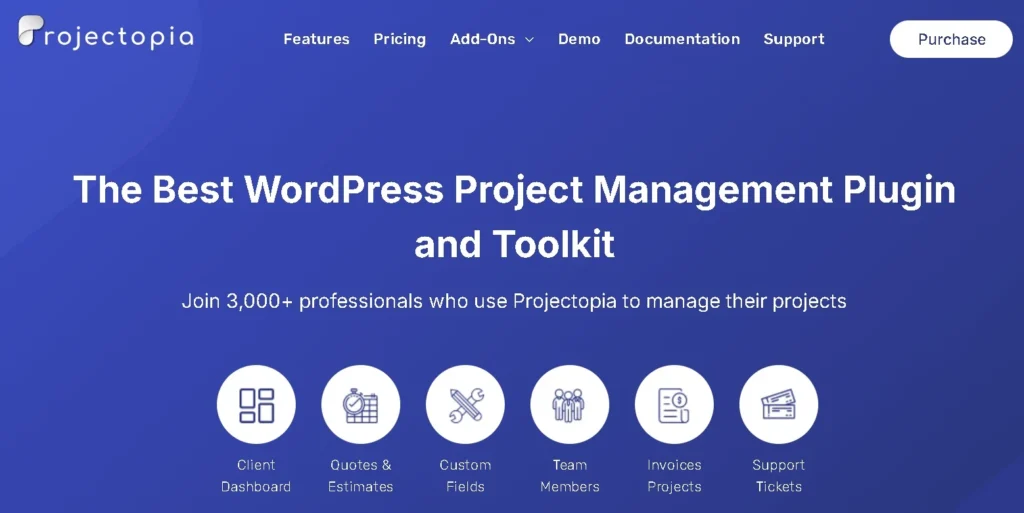
- Features: Project quotes, invoices, tasks, milestones, time tracking, client dashboards.
- Strengths: Combines business management with task management, saving you from extra plugins.
- Best For: Agencies and freelancers who want an all-in-one solution to manage projects and client communication.
WP Project Manager
One of the most popular WordPress plugins for task management, WP Project Manager is known for its simplicity and scalability. It lets you create tasks, assign them to team members, and track progress through milestones.
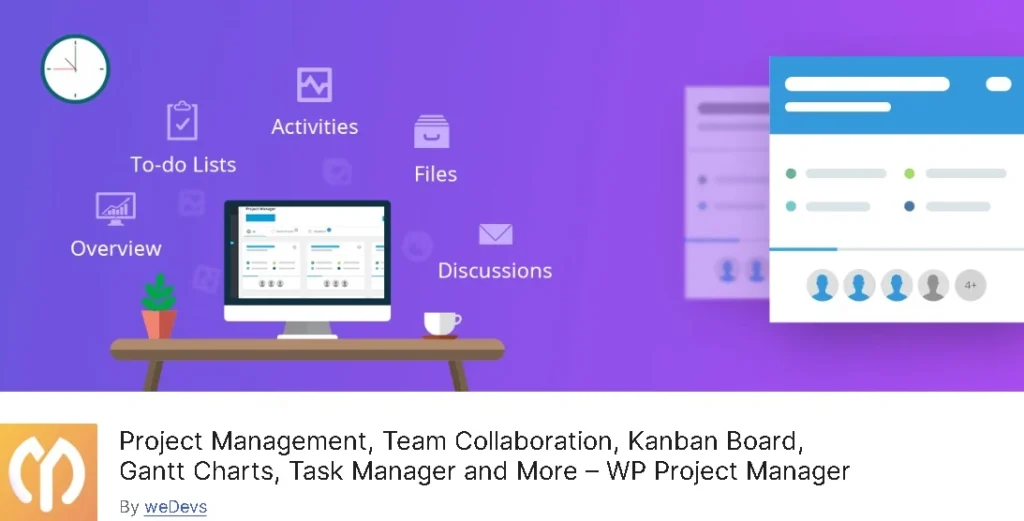
- Features: To-do lists, milestones, recurring tasks, team collaboration, progress charts.
- Strengths: Offers both a free plugin version for basic use and premium add-ons for advanced features.
- Best For: Small businesses and agencies looking for a great tool that grows with them via premium extensions.
Zephyr Project Manager
Zephyr Project Manager brings modern design and visual tracking to WordPress. It supports Kanban boards, reporting, and file sharing, making it ideal for teams who like a more visual workflow.

- Features: Kanban boards, reporting dashboards, file management, project list view.
- Strengths: Clean UI, advanced features like Android app integration and project discussion threads.
- Best For: Freelancers and teams who want a project management software experience inside their WordPress site.
UpStream
UpStream is a project management tool built for development teams. It lets you manage unlimited projects with features like bug tracking and milestones. Teams can also collaborate on tasks and review progress through detailed reports.
- Features: Task management, milestones, bug tracking, user roles and permissions, progress reports.
- Strengths: Designed with developers in mind, but flexible enough for other teams.
- Best For: Development teams that need a structured environment for complex projects.
Kanban Boards for WordPress
If you’re a fan of Trello, this Kanban plugin is a great tool to recreate that experience directly in your WordPress dashboard. It uses a drag-and-drop interface for maximum simplicity.
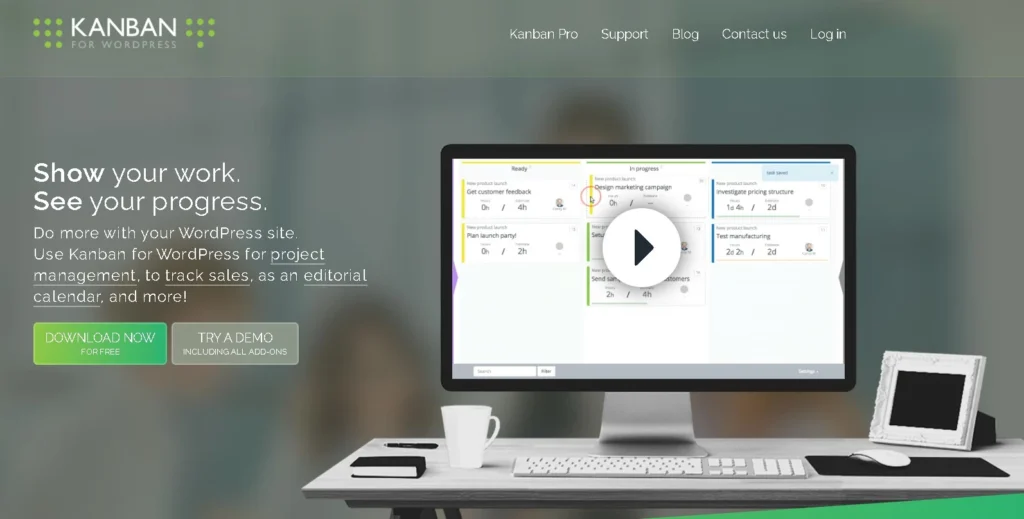
- Features: Visual Kanban boards, drag-and-drop tasks, customizable swimlanes.
- Strengths: Lightweight, easy to use, and works well for smaller teams or individuals.
- Best For: Teams that prefer a simple, visual workflow without advanced features.
CoSchedule (External Integration)
While not a native WordPress plugin, CoSchedule integrates seamlessly to provide editorial calendar and marketing project management. It’s especially powerful for content creators who need to plan blogs, social posts, and campaigns in one place.
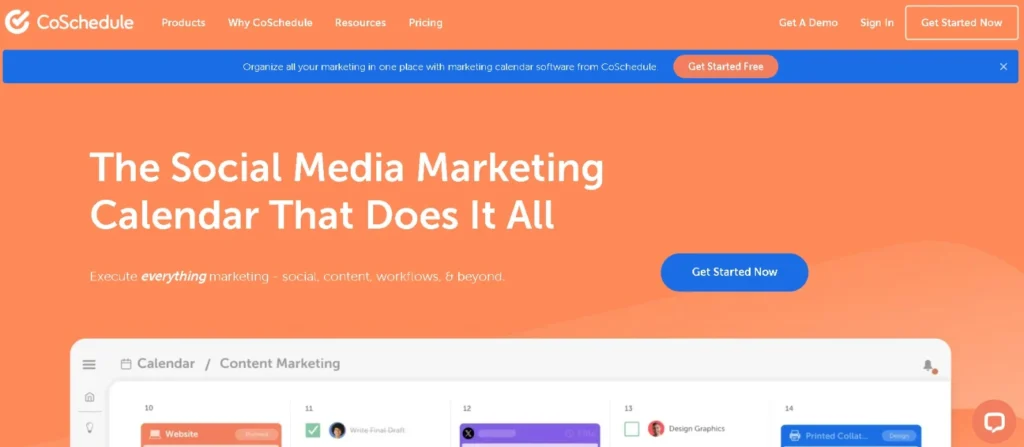
- Features: Editorial calendar, marketing projects, scheduling tools, email notifications.
- Strengths: Combines content planning with project tracking, ideal for marketing-heavy workflows.
- Best For: Content creators, marketers, and bloggers looking to organize publishing schedules and campaigns.
Benefits of Using WordPress Task Management Plugins
Using WordPress task management plugins comes with multiple advantages for agencies, freelancers, and businesses. The biggest benefit is keeping everything inside your WordPress dashboard, which eliminates the hassle of juggling multiple apps.
Instead of switching between different external project management software, you can manage to-dos, deadlines, and client feedback right where you already work.
These plugins also save time by reducing context-switching, making workflows more efficient and helping teams focus on actual tasks.
Many of them allow client dashboards, discussion threads, and progress charts, which improve transparency and communication with clients. This way, clients can track milestones, check updates, and stay aligned without constant emails.
Finally, task management plugins provide better visibility into project status and accountability. Features like calendar view, grid view, due dates, goal tracking, and email notifications ensure that no deadline slips through.
You can assign tasks to co-workers, manage user roles and permissions, and scale with unlimited projects and unlimited tasks, making them a great tool for teams of all sizes.
How to Choose the Right Task Management Plugin for Your Needs
Picking the best WordPress project management tool depends on your workflow. Key factors to consider include team size, budget, project type, and client involvement.
For example, freelancers or small teams may prefer a free plugin with basic features like to-do lists, milestones, and repetitive tasks. Larger agencies handling an existing project pipeline with multiple clients will benefit from advanced features, premium add-ons, and API access.
If your work is simple and requires basic task tracking, a lightweight plugin with a free plan makes sense. But if you manage client projects, invoicing, and reporting, then a full-featured project management software like Projectopia or WP Project Manager is the better choice.
Look out for custom fields, project lists, discussion threads, update notifications, premium extensions, lifetime license options, and pricing plans that match your growth.
Also, consider how well the plugin integrates with popular WordPress plugins like WooCommerce, Elementor, or LMS tools.
This ensures smooth workflows without breaking your site. Agencies may also want plugins offering Android apps, drop features, and full control over user levels and permissions for scaling.
Ultimately, the right choice gives you limitless possibilities, fits your budget, and aligns with your workflow needs.
Alternatives to WordPress-Based Task Management
While WordPress task management plugins are convenient for keeping everything in your dashboard, some teams may prefer external project management software such as Trello, Asana, or ClickUp.
These platforms are well-established, offering advanced features like automation, real-time collaboration, integrations with hundreds of apps, and mobile-friendly Android apps for managing tasks on the go.
The pros of external tools include their maturity, scalability, and ability to handle unlimited projects, unlimited tasks, and complex workflows across different platforms.
They often provide grid view, calendar view, goal tracking, and discussion threads, making them powerful options for large organizations.
However, the cons are just as important to note. Using external platforms means constantly switching between tools, paying extra pricing plans (often subscription-based with no one-time fee or lifetime license option), and dealing with integration challenges when syncing data back into WordPress.
By contrast, WordPress-based task management tools integrate directly into your website, offer plugin updates, premium extensions, and custom fields, and keep all the features under one roof without breaking your workflow.
Ultimately, the choice depends on whether you want full control and seamless integration within WordPress, or if you need the advanced features and limitless possibilities of standalone tools.
Learn More: Guide to White Label Client Portals
Final Thoughts
Managing to-dos, repetitive tasks, and existing projects doesn’t have to feel overwhelming. With the right WordPress project management tool, you can streamline workflows, improve communication with co-workers and clients, and get clear visibility into project progress through progress charts, due dates, and update notifications.
We’ve explored some of the best WordPress task management plugins, from feature-rich solutions like Projectopia and WP Project Manager to lightweight tools like Kanban Boards for WordPress. Whether you need a free plugin with basic features or a premium solution with premium add-ons, user roles, API access, and premium extensions, there’s a tool that fits your needs.
Choose the right tool and boost your team’s productivity today. By investing in the right project management plugin, you’ll not only save time but also give your team and clients the structure they need to succeed.
FAQs About Progress Planner
-
Can I manage client projects inside WordPress?
Yes! That’s the main benefit of using WordPress task management plugins. You can create projects, assign tasks, set due dates, and share progress with clients directly through the WordPress dashboard, so everything stays in one place.
-
What is the best WordPress task management plugin for teams?
It really depends on your team’s needs. Tools like WP Project Manager and Projectopia are great for agencies and teams because they come with collaboration features, progress tracking, and client dashboards. If you prefer something lightweight, Kanban Boards for WordPress is an easy option.
-
Are WordPress project management plugins free?
Many plugins offer a free plan with basic features like to-do lists and milestones. For advanced features, like file sharing, reports, and custom fields, you’ll need to upgrade to a premium plan.
-
How do WordPress task tools compare to Trello or Asana?
WordPress tools integrate directly into your site, which saves time and keeps your workflow centralized. Tools like Trello or Asana offer more automation and integrations, but they require switching platforms. If you already work in WordPress daily, using a built-in tool often makes more sense.