Managing client communication, handling endless feedback, and keeping project updates organized can feel like a constant uphill battle. Emails get buried, messages scatter across platforms, and clients often feel left out of the loop. This not only slows down projects but can also create frustration on both sides. That’s where white label client portals come in.
In this guide, we’ll break down the benefits of using a white label client portal, highlight must-have features, review the best tools available today, and share real-world examples of how agencies use them.
By the end, you’ll know exactly why these portals matter and how to choose the right one for your business.
What is a White Label Client Portal?
A white label client portal is essentially a branded dashboard where clients can log in to view everything related to their projects, communication, files, invoices, timelines, and updates, all in one place.

Unlike regular portals that carry the software provider’s logo or branding, a white label portal is fully customized with your agency’s own logo, colors, and style. This means your clients see your brand front and center, not a third-party tool.
The key difference between a regular client portal and a white label portal is the experience. While a regular portal may get the job done, it often feels disjointed and generic.
With white label portals, the user experience is seamless and professional, reinforcing your agency’s identity every time your clients log in. This small shift in branding can have a huge impact, clients feel like they’re dealing with a premium, established agency rather than a freelancer using off-the-shelf tools.
For agencies and freelancers, branding isn’t just about looks, it’s about trust and credibility. A polished, branded portal reassures clients that they’ve made the right choice working with you.
It reflects professionalism, builds stronger relationships, and ensures your communication doesn’t get lost in the shuffle of emails or multiple apps.
Discover: Top WordPress Dashboard Customizations
Benefits of Using a White Label Client Portal
Using a white label client portal can transform the way you run your business. Here’s why:
Professional Branding
Instead of sending clients to a platform with another company’s logo, you showcase your own agency’s identity. Every login, dashboard screen, and notification reinforces your brand, making your business look more professional and established.
Centralized Communication
No more scattered emails, endless Slack threads, or WhatsApp messages getting lost. A client portal creates one central hub where all communication, updates, and feedback live. This keeps both your team and your clients on the same page, reducing miscommunication and delays.
Streamlined Collaboration
White label portals make it simple to share files, upload assets, approve revisions, and track project status in real time. This smooth workflow saves hours of back-and-forth and ensures clients can easily find what they need without chasing your team.
Improved Client Trust
When clients see a clean, branded, and organized dashboard, it immediately builds trust and confidence. It shows that your agency values transparency and efficiency, which makes clients feel more comfortable and likely to stick around for long-term partnerships.
Scalability
As your agency grows, managing multiple clients can get chaotic. White label client portals make it easy to scale your operations, handling dozens (or even hundreds) of clients while keeping projects neatly organized under one system. This allows you to grow without the stress of broken workflows.
Must-Have Features in a White Label Client Portal
When choosing a white label client portal, it’s important to look for features that not only make your work easier but also create a smooth, professional experience for your clients. Here are the must-haves:
Custom Branding (Logos, Colors, Domain)
Your portal should feel like an extension of your agency’s website, not a third-party tool. Being able to add your own logo, brand colors, and even use a custom domain ensures clients feel they’re working directly with your agency every time they log in.
File Sharing & Document Management
Clients often need quick access to proposals, contracts, reports, or creative assets. A good client portal includes a secure file-sharing system where documents can be uploaded, organized, and downloaded anytime, eliminating messy email attachments.
Invoicing & Payments
Managing payments can be a hassle if done separately. Many white label portals include built-in invoicing and payment options, allowing you to send invoices, track payment status, and even accept payments directly through the portal. This saves time and reduces friction for both you and your clients.
Project/Task Tracking & Timelines
Clients love transparency. A great portal should include task lists, deadlines, and progress updates so clients can see exactly what stage their project is at. This keeps them informed without you having to send constant updates.
Client Feedback Tools (Commenting, Approvals)
One of the biggest bottlenecks in projects is feedback. Having tools where clients can leave comments, approve designs, or request edits directly in the portal keeps communication organized and eliminates vague email chains.
Integrations (Slack, Trello, Asana, CRMs)
Every agency has its own tech stack. Look for a client portal that integrates seamlessly with tools like Slack, Trello, Asana, or your CRM. This ensures your workflows stay connected and you don’t waste time switching between multiple apps.
Security & Access Control
Since sensitive files, contracts, and financial details are involved, security is non-negotiable. A solid client portal offers encrypted access, role-based permissions, and secure logins so that only the right people can view or edit the right information.
Upgrade Your Agency with a White Label Client Portal
From website care to client portals, we work behind the scenes while you keep the spotlight. Deliver premium solutions under your brand, build client trust, and grow faster.
Best White Label Client Portal Solutions (With Examples)
Below are some of the top white label client portal tools that agencies, freelancers, and businesses are using in 2025, each with its own unique strengths.
SuiteDash: All-in-One CRM + Client Portal with Automation
SuiteDash is like the Swiss Army knife of client portals. It’s not just a portal, it’s also a CRM, project manager, file-sharing platform, and invoicing tool all rolled into one.
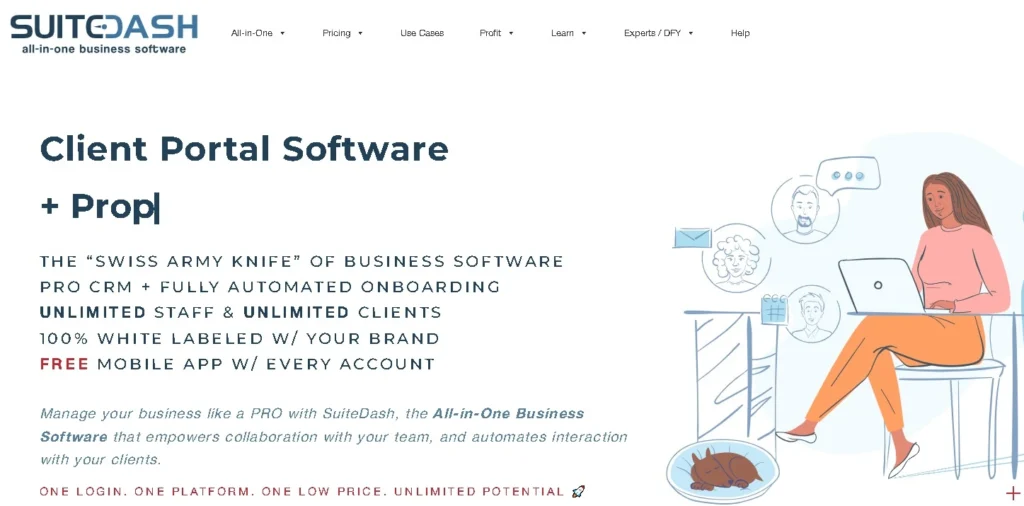
Agencies love it for its automation features, which let you set up client onboarding, task assignments, and recurring invoices without manual effort.
Plus, with full white-labeling (custom domains, logos, and even your own branded login page), your clients will feel like they’re using your proprietary software.
Clinked: Secure File Sharing + Branded Collaboration Hub
If security and collaboration are your top priorities, Clinked is a fantastic option. It provides encrypted file sharing, group discussions, and task tracking, all inside a branded, easy-to-use interface.
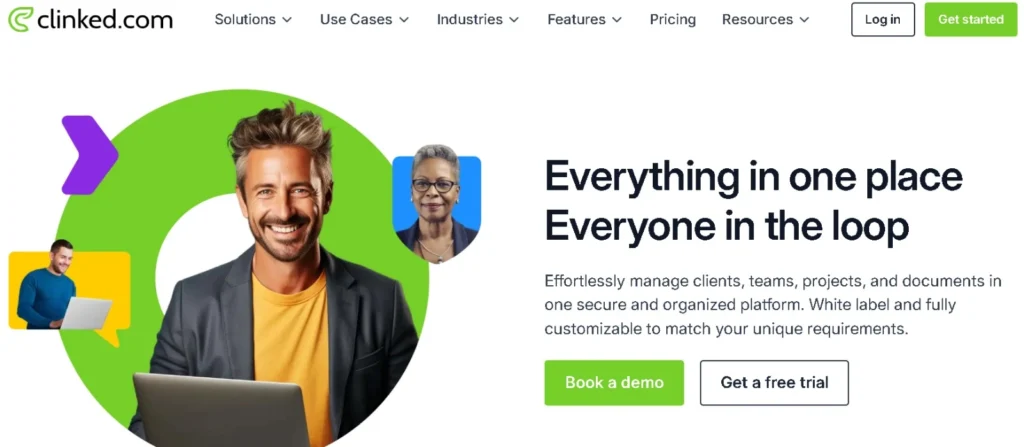
Many financial firms, law offices, and agencies trust Clinked because it ensures that sensitive data is protected while still delivering a smooth client experience. Think of it as your own secure workspace where clients can log in, download files, and stay up to date.
Plutio: Perfect for Freelancers & Small Agencies
Plutio is built with freelancers and small teams in mind. It combines project management, proposals, contracts, invoicing, and a customizable client portal in one sleek package.
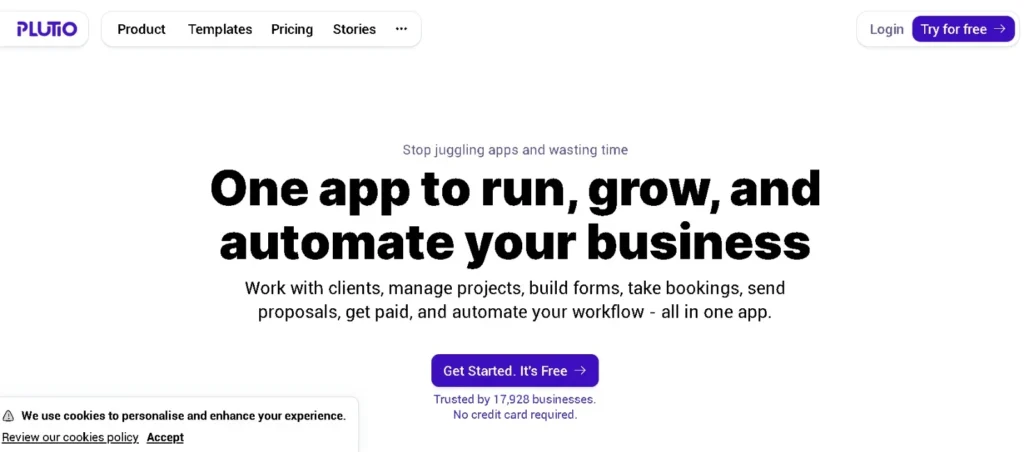
The standout feature is how simple it is to use, clients get a clean dashboard where they can see their projects, leave feedback, and check invoices. For smaller agencies that want a professional portal without overwhelming complexity, Plutio is a top choice.
Agiled: Client Management + Proposals + Contracts + Invoicing
Agiled is all about making business operations smoother. It includes everything from client management and time tracking to proposals and contract signing. The white label portal lets you brand the entire experience, so your clients interact with your business (not a third-party tool).
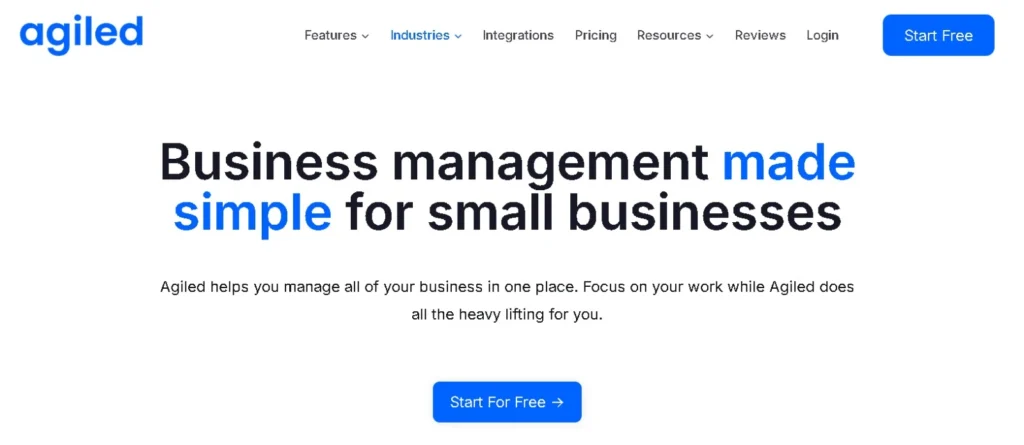
It’s especially popular among service providers and consultants who need a portal that handles both client communication and admin tasks in one place.
ManyRequests: Tailored for Creative & Marketing Agencies
As the name suggests, ManyRequests was designed with creative agencies in mind, graphic designers, marketers, web dev shops, and content teams. It simplifies client requests by allowing clients to submit tasks, track progress, and approve work directly inside the portal.
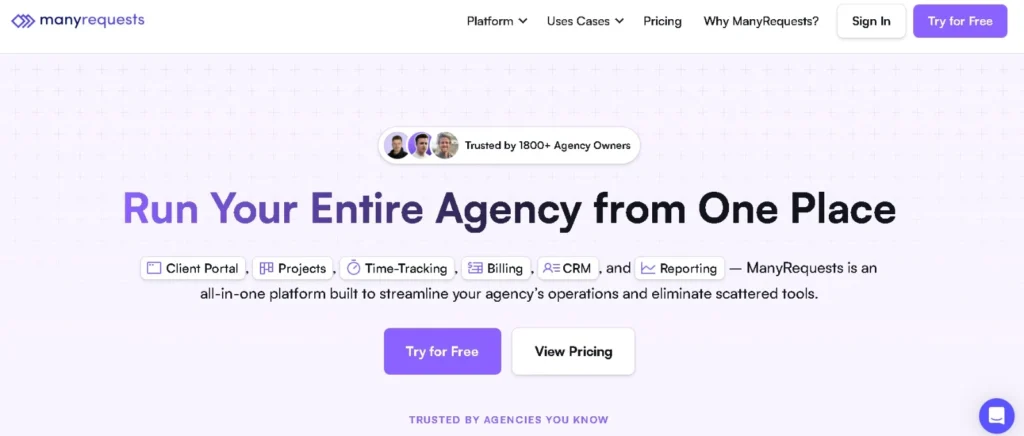
Agencies also get invoicing, subscription management, and client dashboards, all branded to look like their own platform. If you’re an agency handling lots of client deliverables, this tool is a lifesaver.
How to Choose the Right White Label Client Portal?
Not all client portals are built the same, and the right choice depends heavily on your business model and client expectations. Here’s what to consider before committing:
- Identify client needs: Start by asking: what do your clients value most? Is it clear communication, real-time project tracking, or easy access to invoices and payments? For instance, a design agency may prioritize file sharing and feedback tools, while a consulting firm may care more about contracts and billing.
- Consider scalability: Freelancers and solo professionals may only need a lightweight tool like Plutio, but growing agencies should think ahead and invest in platforms that can handle dozens or even hundreds of client accounts.
- Ease of use for non-technical clients: Remember, not all clients are tech-savvy. The best portals are intuitive, mobile-friendly, and require minimal training. A clutter-free interface often matters more than flashy features.
- Budget and pricing models: Pricing varies widely. Some portals charge per user, while others allow unlimited clients for a flat monthly fee. Agencies with lots of clients often save more with flat-rate pricing.
- Integration with your existing tools: Your portal should play nicely with your current workflow. Whether you use Slack, Trello, Asana, or a CRM, integrations can save you hours and keep everything connected.
Choosing the right client portal is about striking a balance between what your clients need now and what your agency will need as it grows.
Setting Up Your White Label Client Portal (Quick Walkthrough)
Once you’ve picked the right tool, setting it up is straightforward. Here’s a quick step-by-step guide:
- Pick your tool: Choose the platform that best aligns with your needs and budget. For example, SuiteDash for all-in-one automation or ManyRequests for client deliverables.
- Add your logo, colors, and domain: Customize the portal so it feels like a natural extension of your brand. This means using your logo, color palette, and even a custom subdomain (like portal.youragency.com).
- Create client accounts: Add your first client to the portal. Most platforms allow you to set permissions so clients only see what’s relevant to them.
- Set up modules (projects, files, invoices): Enable the features you’ll actually use. For instance, if you’re running a marketing agency, activate project boards, file sharing, and invoicing modules.
- Test with one client before scaling: Before rolling it out to everyone, do a test run with one trusted client. Gather feedback, tweak settings, and ensure everything runs smoothly.
With just a few steps, you can go from scattered email threads to a centralized, branded hub where your clients feel in the loop, and you look more professional.
Future of White Label Client Portals (2025 and Beyond)
The way agencies manage clients is evolving fast, and white label portals are becoming more powerful each year. Here’s what we can expect going forward:
- AI tools integration for automated reporting & smart insights: Imagine your client portal automatically generating project summaries, campaign performance reports, or invoices, without you lifting a finger. AI will play a big role in saving time and giving clients instant clarity.
- Deeper integration with CRMs and payment systems: Instead of juggling tools, portals will connect directly with popular CRMs like HubSpot or Salesforce, and with payment gateways like Stripe or PayPal, making it easier to handle sales, billing, and client management in one place.
- More client self-service options: Clients want independence. Future portals will let them track progress, download files, request edits, and even pay invoices without having to email or call you.
- Hybrid models for agencies working with contractors + clients: With remote work on the rise, portals will evolve into collaboration hubs where not only clients, but also contractors, freelancers, and internal teams can work together seamlessly, under one branded roof.
In short, tomorrow’s portals won’t just be about communication, they’ll be smart, automated ecosystems that help agencies scale faster and keep clients happier.
Learn More: WordPress Maintenance for B2B Businesses Guide
Conclusion
White label client portals are no longer “nice-to-have” extras, they’re becoming essential tools for modern agencies and freelancers. From keeping communication centralized and professional to improving client trust with a branded dashboard, these portals completely change how you manage relationships and deliver work.
The key is finding the portal that matches your workflow, whether you need a lightweight tool for quick collaboration or a full-featured platform with billing, contracts, and automation built in.
If you’re just starting out, test a few tools before committing. Many platforms offer free trials or demos, so you can get a feel for what works best for you and your clients. Once set up, a white label portal doesn’t just make your agency look more professional, it also saves time, reduces chaos, and strengthens long-term client partnerships.
FAQs About White Label Client Portals
What is a white label client portal?
A white label client portal is a customized dashboard where your clients can log in to see project updates, share files, check invoices, and communicate, all under your branding. Instead of your clients seeing third-party logos, everything looks like it’s powered by your agency, giving a seamless professional touch.
Why should agencies use a white label client portal?
Agencies save time and headaches with portals because all client communication, files, and project details stay in one place. No more scattered emails or lost messages. Plus, having your branding front and center helps you look more credible and strengthens trust with clients.
Can freelancers use white label portals, or are they just for agencies?
Freelancers can definitely use them! Even if you’re a one-person team, giving clients access to a branded portal makes you stand out as organized and professional. It shows that you value clear communication, which often helps with repeat work and referrals.
Are white label client portals secure?
Yes, most modern client portals are built with strong security features like encryption, password protection, and role-based access. This means sensitive data, contracts, and client files are protected, giving both you and your clients peace of mind.
What’s the best white label client portal for beginners?
If you’re just starting out, tools like Plutio or Agiled are affordable and easy to set up. For bigger agencies, SuiteDash or Clinked offer more advanced features. The best choice depends on your business size, the features you need, and your budget.