You manage client sites, and WordPress site maintenance is what keeps them from breaking at the wrong time. Updates, backups, and performance checks may feel routine, but skipping them often leads to crashes, security issues, and emergency fixes clients never forget.
This guide walks through the core WordPress maintenance tasks agencies rely on to keep client sites running smoothly, reduce risk, and deliver steady long-term value.
TL;DR: WordPress Site Care
- WordPress site care prevents small issues from turning into major outages.
- Regular updates, backups, and monitoring keep client sites secure and stable.
- Consistent maintenance reduces emergencies and support tickets.
- Faster, well-maintained sites perform better in search and conversions.
- Ongoing maintenance helps agencies retain clients and build long-term revenue.
What WordPress Maintenance Means for Agencies?
WordPress care and maintenance covers the day-to-day work that keeps client sites running properly. This includes updates, security checks, performance monitoring, uptime tracking, and regular backups.
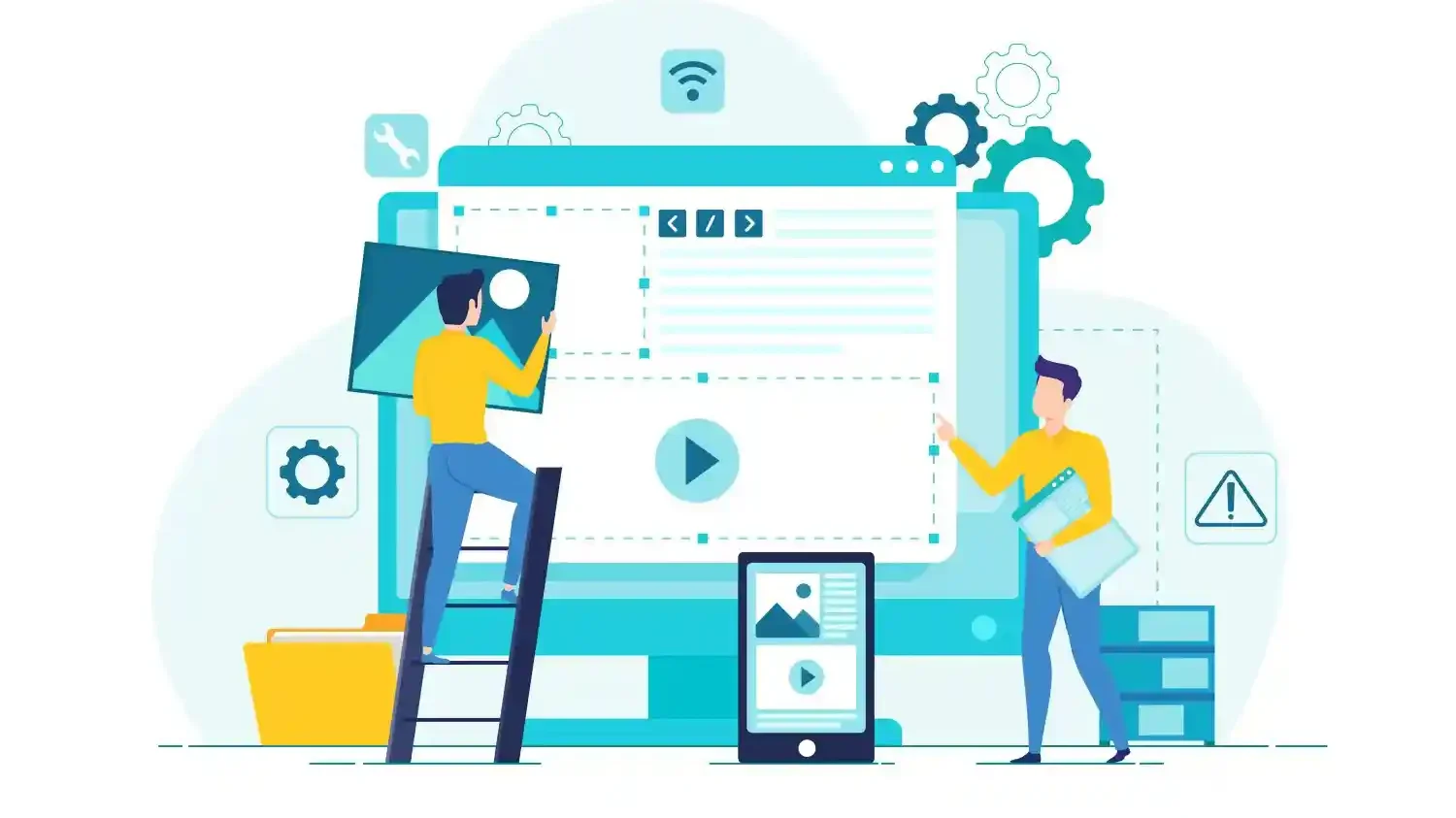
For agencies, maintenance is what keeps multiple client sites stable at the same time. It helps you scale delivery without constant firefighting or breaking existing setups.
When maintenance stays consistent, emergencies drop. Support tickets reduce. Last-minute fixes become rare. That protects client trust and keeps long-term retainers healthy.
How WPTasks Helps Agencies Handle WordPress Site Maintenance?
WPTasks helps agencies manage WP maintenance without adding internal load. You get subscription-based support with monthly development hours that cover updates, fixes, performance issues, security checks, and ongoing site care.

Instead of reacting to crashes or client complaints, maintenance stays consistent. Sites stay updated, backed up, and monitored, so common issues don’t turn into emergencies.
WPTasks operates as a white-label service, meaning everything runs under your brand. You stay client-facing while maintenance, fixes, and hosting support are handled quietly in the background. This keeps client sites stable and helps prevent the same problems from recurring.
Need Help Managing WordPress Maintenance?
Get reliable, subscription-based maintenance that keeps client sites secure, fast, and stable without adding pressure to your team.
Essential WordPress Maintenance Tasks Agencies Must do Weekly
Weekly WordPress website maintenance keeps client sites stable, secure, and predictable. These tasks prevent silent failures, reduce emergency tickets, and protect the trust clients place in your agency.
Update WordPress Core, Themes, and Plugins
Apply WordPress core, theme, and plugin updates on a weekly schedule. Prioritize security and minor updates, and review major version releases carefully before applying them. Update in the correct order and avoid bulk updates without checks. After each update cycle, test core pages, admin access, and any custom functionality to catch issues early.
Run Full Site Backups and Confirm Restore Works
Create full backups that include both the database and site files. Partial backups increase recovery time and raise the risk of data loss. Test at least one restore every month on a staging site. This confirms your backup process works and prevents panic when a real recovery is needed.
Monitor Uptime and Critical Errors
Track uptime, 500 errors, database errors, and PHP fatal errors across all managed sites. Many failures happen silently until a client reports them. Use real-time alerts so you can respond before users notice. Early detection protects client confidence and reduces emergency fixes.
Scan for Malware and Vulnerabilities
Run scheduled malware scans and review known vulnerabilities in installed plugins and themes. Security issues often start small and escalate fast. Remove unused plugins and themes to shrink the attack surface. Fewer components mean fewer risks to manage.
Check Forms, Checkout, and Key Funnels
Test contact forms, checkout flows, payment gateways, email notifications, and thank-you pages every week. These systems drive leads and revenue. Fix issues immediately when something breaks. Even short disruptions can lead to lost sales and frustrated clients.
Essential WordPress Maintenance Tasks Agencies Must Do Monthly
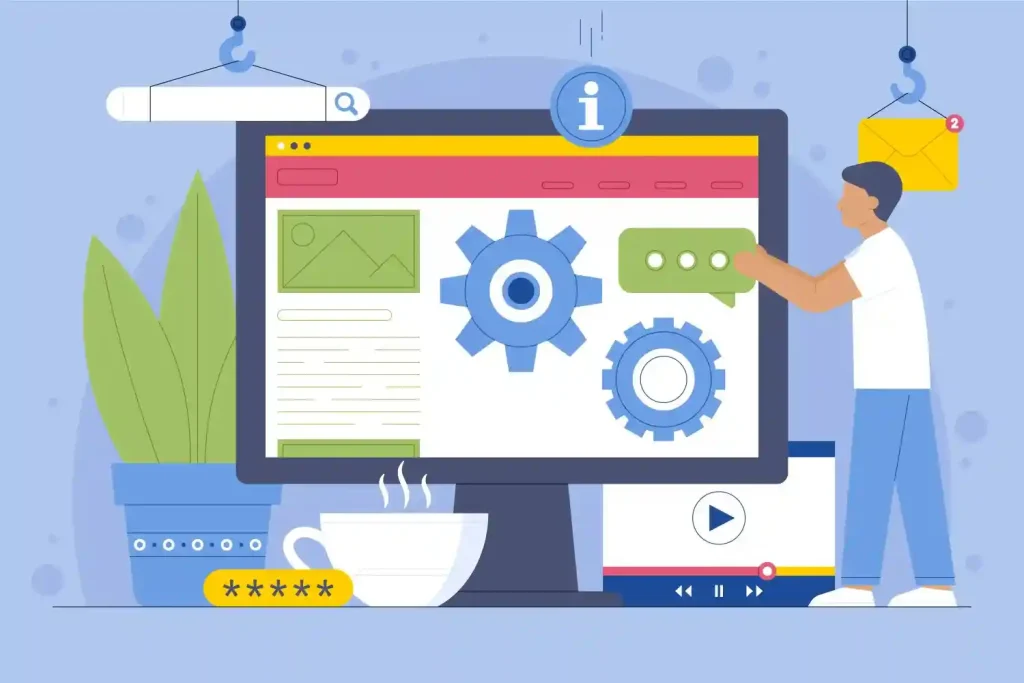
Weekly checks and monthly maintenance keep your website healthy. This is where you prevent slowdowns, security gaps, and SEO issues that quietly build up over time and turn into client-facing problems later.
Performance Checks and Core Web Vitals
Review Core Web Vitals like LCP, INP, and CLS to identify performance drops early. These metrics directly affect user experience and search rankings, so trends matter more than one-off scores. Fix slow pages by compressing images, tightening caching rules, removing unused scripts, and deferring heavy assets. Small tweaks here often lead to noticeable speed gains.
Database Cleanup and Optimization
Over time, WordPress databases collect clutter. Old post revisions, expired transients, spam comments, and orphaned data slow everything down. Clean and optimize database tables monthly to keep the admin area responsive and reduce unnecessary server load, especially on content-heavy or WooCommerce sites.
Security Hardening Review
Monthly security reviews help to close gaps that updates can not fix. Use strong passwords, enable two-factor authentication, and confirm that users have only the access they need. Review wp-admin access rules, login protection, and firewall settings to reduce brute-force attempts and unauthorized access risks.
Plugin and Theme Audit
Plugins change, some get abandoned, and others add features you no longer need. Doing monthly audits help you stay ahead of problems before they break sites. Replace risky or outdated plugins, remove duplicates, and cut plugin bloat. Fewer plugins usually mean fewer conflicts and better stability.
Broken Links and SEO Health Checks
Broken links and SEO errors hurt traffic quietly. Run checks for 404s, broken redirects, and missing pages before clients notice ranking drops.
Review sitemaps, robots.txt, canonical tags, and noindex settings to ensure search engines crawl and index sites correctly without blockers.
Monthly maintenance is where agencies protect performance, security, and visibility long before issues turn into urgent support tickets.
Ongoing Maintenance Tasks Agencies Often Miss
Weekly and monthly checklists usually cover the basics. However, many WordPress issues come from areas that get ignored until something breaks. These tasks sit quietly in the background, but skipping them often leads to downtime, security risks, or client complaints later.
Hosting Health and Resource Monitoring
Your site can look fine while the server struggles underneath. Track CPU usage, RAM, disk space, and PHP worker limits through the hosting dashboard. When resources spike without warning, pages slow down or crash. Catching these patterns early helps you upgrade plans, optimize plugins, or adjust caching before downtime hits.
PHP Version and Compatibility Planning
Running outdated PHP hurts both security and performance. Keep PHP versions updated to supported releases for better speed and fewer vulnerabilities. Always test PHP upgrades on staging first. This avoids plugin or theme conflicts that can take live sites offline without warning.
Staging, QA, and Change Logs
Pushing updates directly to live sites is risky. Use staging to apply updates, test core pages, and confirm nothing breaks. After deployment, maintain a simple change log. It shows clients what was updated and builds trust by proving consistent care.
User Access Cleanup
Old user accounts create hidden security risks. Remove inactive users, former contractors, and unused admin roles regularly.
Rotate passwords and credentials after team changes. This reduces the chance of unauthorized access and keeps client sites secure long-term.
These overlooked tasks don’t feel urgent, but they protect your agency from preventable issues. Staying ahead here saves time, avoids emergencies, and keeps client relationships steady.
Best Tools Agencies Use for WordPress Site Maintenance
Reliable WP maintenance depends on the right tools. Agencies don’t rely on one platform for everything. Instead, they combine proven tools to cover uptime, backups, security, performance, and safe updates across all client sites.

Uptime Monitoring and Alerts
Uptime tools help you catch outages before clients notice. Platforms like WP Umbrella, WP Remote, Jetpack, and hosting providers such as Kinsta and Pressable offer real-time monitoring with instant alerts. This gives agencies time to act fast and avoid client-facing downtime.
Backup and Restore Tools
Backups protect you when updates fail or sites break. Tools like BlogVault provide automated backups with one-click restores. These tools make recovery quick and reduce stress during emergencies.
Security Scanning and Firewall Tools
Security tools watch for malware, brute-force attacks, and risky changes. SolidWP and HIPAA Vault help protect sites, enforce compliance, and secure user data. Many managed hosts like WP Engine and Pressidium also include server-level firewalls and threat monitoring.
Performance Testing Tools for Core Web Vitals
Speed issues hurt SEO and conversions. Agencies rely on tools like Surfer SEO and Rank Math, to track Core Web Vitals. These tools help identify slow pages, heavy scripts, and optimization gaps.
Activity Logs for Tracking Changes
Activity logs show who changed what and when. Tools such as WP Umbrella and SolidWP help agencies trace issues back to specific updates or user actions. This reduces guesswork and speeds up troubleshooting.
Staging Environments for Safe Updates
Staging keeps live sites safe during updates. Platforms like Cloudways, and Pressable allow agencies to test plugin, theme, and PHP updates before pushing changes live. This prevents surprises and protects client revenue.
Used together, these tools give agencies full visibility and control. They reduce emergencies, improve consistency, and make WordPress site maintenance scalable across dozens or even hundreds of client sites.
How Maintenance Helps You Retain Clients Longer?
Strong WordPress maintenance does more than keep sites running. It protects trust, shows clear value, and gives clients a reason to stay with you month after month instead of shopping for cheaper help.
- Fewer Emergencies, Fewer Trust Breaks: Regular updates, backups, and monitoring stop small issues from turning into major errors. When clients don’t face sudden crashes or security scares, they feel confident leaving their sites in your hands.
- Faster Sites Improve SEO and Conversions: Ongoing performance checks keep load times low and Core Web Vitals healthy. Clients see better rankings, smoother user journeys, and higher conversions, which ties your maintenance work directly to business results.
- Clear Reporting Makes Your Work Visible: Maintenance often goes unnoticed unless you show it. Simple reports on updates, fixes, uptime, and improvements help clients understand the value you deliver behind the scenes.
- Consistency Turns One-Off Clients Into Retainers: When sites stay stable month after month, clients stop thinking in terms of quick fixes. They see maintenance as essential, which makes ongoing retainers feel like a smart, necessary investment rather than an extra cost.
Conclusion
WP maintenance keeps client sites reliable when it matters most. Regular updates, backups, and monitoring stop small issues from turning into outages, security problems, or lost revenue. When sites stay fast and stable, clients feel confident and rarely question the work happening behind the scenes.
For agencies, consistent maintenance reduces stress and reactive support. Fewer emergencies mean better planning, smoother delivery, and stronger long-term relationships. Over time, this reliability becomes a key reason clients stay, renew retainers, and trust you with more work.
FAQs About WP Maintenance Tasks
Why is WordPress site maintenance important for agencies?
Agencies manage multiple client sites. Maintenance prevents crashes, security issues, and performance drops that damage trust and create emergency work.
How often should WordPress maintenance be done?
Core checks should happen weekly, with deeper performance, security, and cleanup tasks handled monthly to keep sites healthy.
What happens if maintenance is skipped?
Small issues build up. Plugins break, security gaps appear, sites slow down, and clients notice problems before you do.
Does maintenance help with SEO and conversions?
Yes. Faster load times, clean databases, and stable sites improve Core Web Vitals, rankings, and user experience.
Can maintenance reduce support tickets from clients?
Regular monitoring and fixes catch issues early, which lowers the number of urgent client requests and complaints.
Is WordPress maintenance better as a retainer service?
Yes. Ongoing maintenance works best as a retainer because it provides steady protection, predictable costs, and long-term value for both agencies and clients.