

Figma vs Elementor often confuses designers and website builders, especially when both tools seem to overlap. You might start designing in the wrong place or try to build without a clear layout, which slows down your entire workflow.
The reality is, both tools serve different purposes. Figma helps you plan layouts and structure, while Elementor helps you turn those ideas into a live WordPress website. Once you understand where each tool fits, your process becomes faster, cleaner, and much easier to manage.
TL;DR: About Figma and Elementor
- Figma is used to plan layouts, create prototypes, and structure website designs before development.
- Elementor is used to build and launch a live WordPress website without coding.
- Figma works best for design teams and the planning stages of a project.
- Elementor works best for freelancers, agencies, and anyone building websites quickly.
- Using both tools together improves workflow and reduces revisions.
- Plan in Figma first, then build in Elementor for better results.
What is Figma?
Figma is a cloud-based tool for creating layouts, wireframes, and UI prototypes before development begins. It helps teams plan how a website or app will look and function. It’s specifically built for creating user interfaces, graphic design, and digital design projects of all sizes, from simple wireframes to complex designs with advanced interactions.
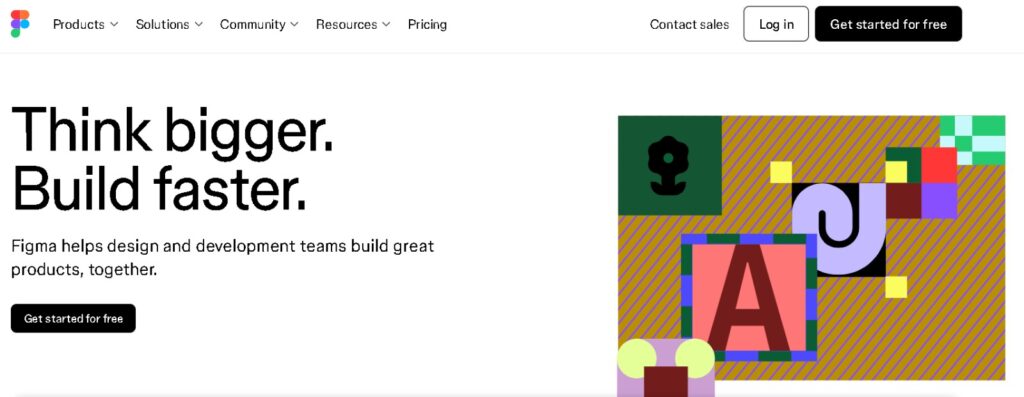
What makes Figma stand out is its real-time collaboration. Teams can work on the same file, leave feedback, and track changes without switching tools. Whether you’re prototyping apps, refining design elements, or managing a large design system, Figma keeps everyone in sync with revision history, version control, and seamless sharing across the internet.
Figma is not just for solo designers; it’s a great team tool that enhances collaboration, whether you’re in the same office or scattered across the globe.
What is Elementor?
Elementor is a WordPress page builder that lets you create and edit websites visually. It allows you to build pages, adjust layouts, and customize elements without writing code. It works directly within WordPress, making it easy to turn design ideas into a live website.
It’s loved by everyone from hobby bloggers to professional web designers, freelancers, agencies, and developers alike.
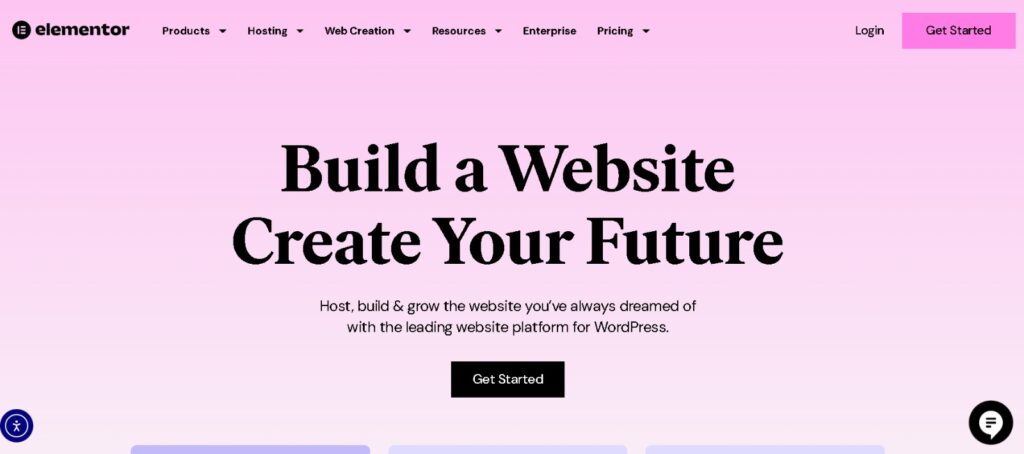
One of the biggest perks of Elementor is its seamless integration with WordPress. You can easily build responsive designs that look amazing on any device while leveraging popular WordPress plugins for extra features. This makes Elementor an all-in-one solution for designing websites, adjusting design elements, and ensuring performance optimization right within WordPress.
Learn More: How to Use Plugins in WordPress
Figma vs Elementor: Quick Comparison Table
To help you quickly grasp the key differences, here’s a simple side-by-side comparison of Figma vs Elementor and what each tool offers.
| Feature | Figma | Elementor |
|---|---|---|
| Type | Design tool | WordPress page builder |
| Main Use | UI/UX design, prototypes | Live website building |
| Collaboration | Yes | Limited |
| Hosting | Cloud-based | Works within WordPress |
| Learning Curve | Moderate | Beginner-friendly |
| Pricing | Free & Paid | Free & Pro versions |
How WPTasks Supports Figma to Elementor Conversion?
When you move from planning in Figma to building in Elementor, the process can slow down, especially when you’re handling multiple client projects or detailed layouts.

WPTasks helps you bridge that gap. You can focus on creating clean layouts and structure in Figma, while the development side, including Elementor builds, fixes, and updates, is handled for you.
With monthly development hour retainers, you can delegate tasks like converting designs into live pages, adjusting layouts, improving responsiveness, and fixing issues across your WordPress website. This keeps your workflow smooth from design to launch.
Instead of managing everything yourself, you get consistent support that helps you deliver faster, maintain quality, and scale your projects without adding pressure to your team.
Need a Dedicated WordPress Developer for Your Projects?
Hire expert WordPress developers for unlimited development, maintenance, and support, 16+ hours daily, 7 days a week, all under your brand.
Key Differences Between Figma and Elementor
Understanding the key differences between Figma and Elementor is essential for choosing the right tool at each stage of your design-to-development workflow. Both tools bring unique strengths to the table.
Here’s a deeper look at how they compare across important areas:
Purpose and Use Case
Figma is built for creating layouts, wireframes, and interactive prototypes before development starts. It’s used to create complex designs, wireframes, and high-fidelity mockups, making it ideal for planning every visual element before you write a single line of code.
Elementor is used to build and launch websites inside WordPress once the layout is ready. Once your design is ready, whether it’s made in Figma or not, Elementor helps you implement it quickly with visual editing, ensuring a smooth transition from concept to reality.
User Interface and Ease of Use
Figma has a clean, precision-focused interface, making it easier to adjust layouts and maintain consistency across pages. This makes it easy to follow solid design principles and maintain consistency throughout your project.
Elementor’s drag-and-drop interface and library of pre-designed templates make website building accessible for everyone. You can add sections, widgets, and even tweak custom CSS without deep coding knowledge, making it perfect for users who want to create complex designs quickly in WordPress.
Collaboration and Team Workflow
One of Figma’s biggest advantages is its real-time collaboration features. Multiple team members can work on the same project simultaneously, leave comments, and see changes instantly, a huge plus for teams spread across different locations. This makes it ideal for teams working on client projects where feedback and revisions happen frequently.
Elementor doesn’t offer the same live multi-user editing out of the box. However, it works well in a team setting where designers prepare assets in Figma and developers or editors build and tweak pages in Elementor, streamlining the handoff between the two tools.
Design Flexibility and Customization
With Figma, you get full control over every pixel. Its advanced design capabilities let you build detailed, high-fidelity web designs while ensuring perfect design consistency and reusability through shared components and design systems.
Elementor excels at giving you the freedom to visually customize your live site. You can fine-tune styles, adjust layouts for responsive designs, apply custom CSS, and add dynamic elements, all from within WordPress, without needing to touch raw code.
Integration and Ecosystem
Figma connects with numerous plugins and third-party tools to speed up your design process, automate tasks, and enhance workflows. The active Figma community shares templates, resources, and integrations, making it easy to expand its functionality.
Elementor, on the other hand, is deeply integrated with WordPress and its ecosystem of popular WordPress plugins. This means you can add forms, pop-ups, SEO tools, and more to your site with just a few clicks, while keeping your design clean and search-engine-optimized. Elementor also supports many WordPress plugins, which help extend website functionality without extra development.
Output and End Product
The final deliverable from Figma is usually design files, style guides, and prototypes ready for developers, perfect for exporting Figma designs or converting Figma designs to live sites.
Elementor transforms those static assets into interactive, fully responsive WordPress websites that are ready to launch, optimized for mobile, and fine-tuned for performance optimization and SEO best practices.
Pricing Comparison
Figma offers a robust free version with core features, while Figma’s professional plan unlocks advanced options like unlimited version history, team libraries, and private projects, a must for larger design teams working on multiple Figma projects.
Elementor also has a free version with essential widgets and templates. Upgrading to Elementor Pro unlocks premium widgets, advanced styling options, theme building, and extra tools for complex sites that need careful optimization and custom functionality.
Learning Resources and Support
Learning Figma is supported by a wealth of official tutorials, community guides, and an active Figma community sharing tips and templates to help you create designs better and faster.
Elementor provides detailed documentation, step-by-step video tutorials, live webinars, and a supportive community to help users of all skill levels confidently design and maintain entire websites within the friendly WordPress environment.
This breakdown should help you see exactly how Figma vs Elementor differ and complement each other, whether you’re planning web designs, managing Elementor and Figma projects, or optimizing sites for search engines.
Discover: How to Convert Figma to WordPress
How Figma and Elementor Can Work Together?
Figma and Elementor work best when used together in a design-to-development workflow. Designers create layouts in Figma, and developers recreate them in Elementor.
Here’s how it works:
- Design with Figma: Designers use Figma to create wireframes, refine layouts, build responsive prototypes, and establish a clear visual guide. Figma’s collaborative efforts and revision history make it easy to get client approvals and team feedback quickly.
- Handoff to Elementor: Once the design is final, developers or WordPress builders export necessary assets (exporting Figma designs) and recreate the look using Elementor’s drag-and-drop builder, custom CSS, and advanced widgets. This step is all about carefully recreating the design with Elementor’s user-friendly interface, ensuring everything looks and functions as planned.
Tips for smooth handoff:
- Use Figma’s export tools to deliver clean images, icons, and style guides.
- Organize your Figma file clearly: name layers properly and use consistent design elements.
- Communicate clear guidelines for responsive design so the site looks great on all devices.
- Double-check that design consistency is maintained throughout the build, while carefully optimizing performance to improve load times and search rankings.
This approach lets you get the precision of Figma’s design system with the powerful live editing and WordPress flexibility of Elementor, delivering stunning web designs that are both beautiful and functional.
Also Know: What’s a Bold New Font in WordPress
Pros and Cons of Figma and Elementor
Knowing the pros and cons of Figma vs Elementor helps you decide when to use each tool and how to get the most out of both. Here’s an honest look at what each one does best, and where each has its limitations:

Here are the pros of Figma:
- Cloud-Based Collaboration: One of the biggest advantages of Figma is its cloud-based platform and real-time teamwork. Figma’s collaborative features let designers, developers, and clients work on the same file simultaneously, making it an ideal tool for distributed teams.
- Powerful Design Tools: Figma offers a full suite of advanced design capabilities like vector editing, reusable design systems, and flexible prototyping tools. It’s perfect for crafting polished user interfaces, consistent design elements, and pixel-perfect layouts for any screen size.
Here are the cons of Figma:
- No Direct Live Site Building: While Figma is fantastic for creating complex designs, it can’t turn them into live websites on its own. You’ll still need to hand off files to developers or use a tool like Elementor for building the actual site.
- Steeper Learning Curve for New Designers: Beginners may find Figma’s extensive features and design principles a bit overwhelming at first. Although its user-friendly interface helps, mastering all the tools takes more practice than with drag-and-drop builders like Elementor.
Here are the pros of Elementor:
- Easy Live Site Creation: Elementor shines at quickly building live pages within any WordPress theme. With its drag-and-drop interface, you can go from a blank page to a fully functional website quickly, with no advanced coding required.
- No Coding Required: Thanks to pre-designed templates, responsive editing, and easy custom CSS, Elementor lets anyone, from freelancers to agencies, design beautiful websites without writing complex code. It’s an ideal match for turning Figma projects into real sites.
Here are the cons of Elementor:
- Dependent on WordPress: Elementor is built specifically for the WordPress environment. If you don’t plan to use WordPress or want to build on a different platform, Elementor won’t be an option.
- Less Design Freedom Compared to Figma: While Elementor offers great flexibility, it doesn’t quite match Figma’s pixel-level control. Designers wanting complete freedom to experiment with every tiny detail may find Elementor more limiting.
Read: How to Add Elementor to WordPress
Conclusion
Figma and Elementor are not competing tools; they solve different parts of the same process. Figma helps you plan layouts, structure pages, and refine ideas before anything is built. Elementor helps you turn those layouts into a working WordPress website. When you use them correctly, your workflow becomes smoother and more efficient. You avoid guesswork, reduce revisions, and build websites that more closely match the original layout.
FAQs
What is the main difference between Figma and Elementor?
Figma is used for planning layouts and creating prototypes, while Elementor is used to build and publish a live WordPress website. One focuses on design, the other on development.
Which tool should you use first, Figma or Elementor?
You should start with Figma to plan your layout and structure. Once the design is ready, you can use Elementor to build the actual website.
Can Figma create a live website?
No, Figma cannot create a live website. It is only used for designing and prototyping. You need a tool like Elementor to turn those designs into a working site.
Is Elementor better than Figma for beginners?
Elementor is easier for beginners who want to build websites without coding. Figma has a learning curve because it focuses on layout planning and design systems.
Do you need both Figma and Elementor?
You don’t always need both, but using them together improves your workflow. Figma helps you plan better, and Elementor helps you build faster.
Can you convert Figma designs directly into Elementor?
There is no direct one-click conversion. You need to recreate the design manually in Elementor using layouts, sections, and styling based on your Figma file.


