WordPress speed optimization is essential if you want your website to load fast, rank higher, and keep visitors engaged. A slow site can hurt user experience, increase bounce rates, and reduce conversions without you even noticing.
Most speed issues stem from common mistakes such as large images, too many plugins, poor hosting, or missing caching. This guide breaks down the biggest problems and shows you simple ways to fix them and improve your website performance quickly.
TL;DR
- WP speed optimization helps improve page load time, user experience, and search rankings.
- Images, plugins, poor hosting, or missing caching are usually the cause of a slow site.
- Fixing these issues can quickly improve website performance and reduce bounce rate.
- Use tools like PageSpeed Insights or GTmetrix to find speed problems.
- Optimize images, enable caching, use a CDN, and choose a better hosting provider.
- Regular monitoring helps maintain consistent speed and performance.
Why is WordPress Speed Optimization Important?
WordPress site speed is how quickly your pages load and respond when someone visits your site. It’s one of the first things people notice.
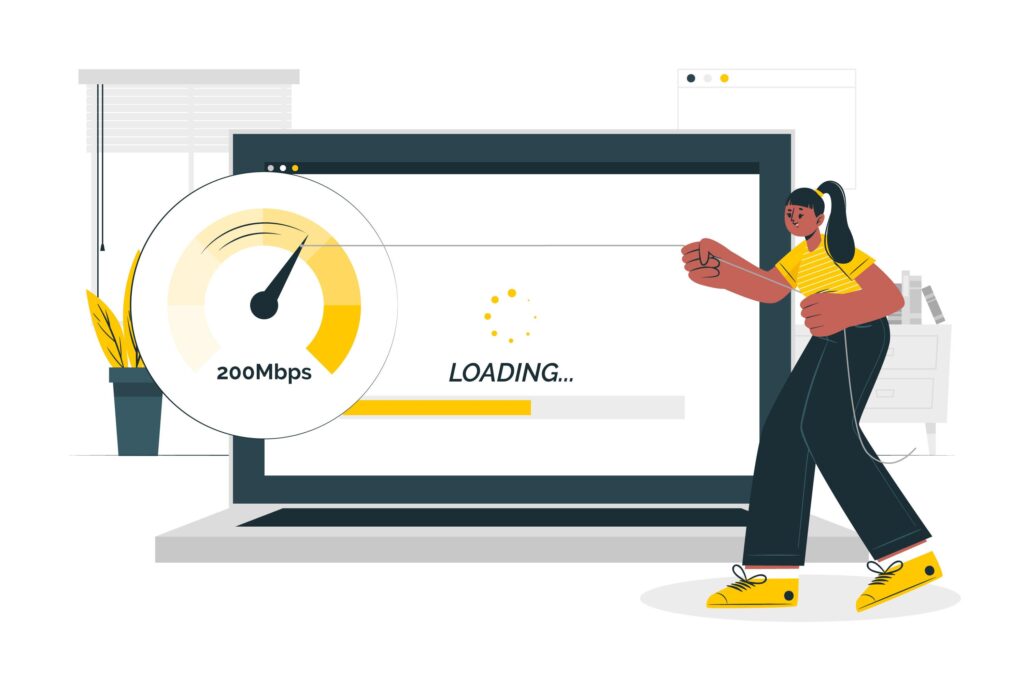
A fast site keeps visitors happy, helps you rank higher on search engines, and boosts conversions. A slow site does the opposite. It frustrates users, pushes them to leave early, and hurts your overall engagement.
To measure WordPress site speed, you can use tools like Google PageSpeed Insights, Pingdom, or GTmetrix. Check metrics such as page load time, First Contentful Paint (FCP), and Time to Interactive (TTI) from multiple locations and devices for a comprehensive analysis.
Google prioritizes fast-loading sites in its rankings, so neglecting speed optimization can affect site visibility and traffic.
How WPTasks Helps Improve Website Speed and Performance?
Slow websites often stem from ongoing issues such as unoptimized files, outdated plugins, and poor setup. WPTasks helps you handle these problems through a structured, subscription-based model designed for consistent performance.

With monthly development-hour retainers, you get expert help to fix speed issues, optimize performance, and implement technical improvements without delay. This ensures your website stays fast and responsive as you grow.
In addition, a monthly maintenance subscription keeps your site updated, secure, and optimized over time. Combined with hosting support, this reduces performance issues and helps maintain a fast, reliable website experience.
Need Faster WordPress Speed?
Get expert help to boost performance, improve load times, and optimize your site.
How to Measure WordPress Site Speed?
To measure website speed optimization, check page load time, Core Web Vitals, and server response. This helps you quickly find what is slowing your site and improve overall website performance.
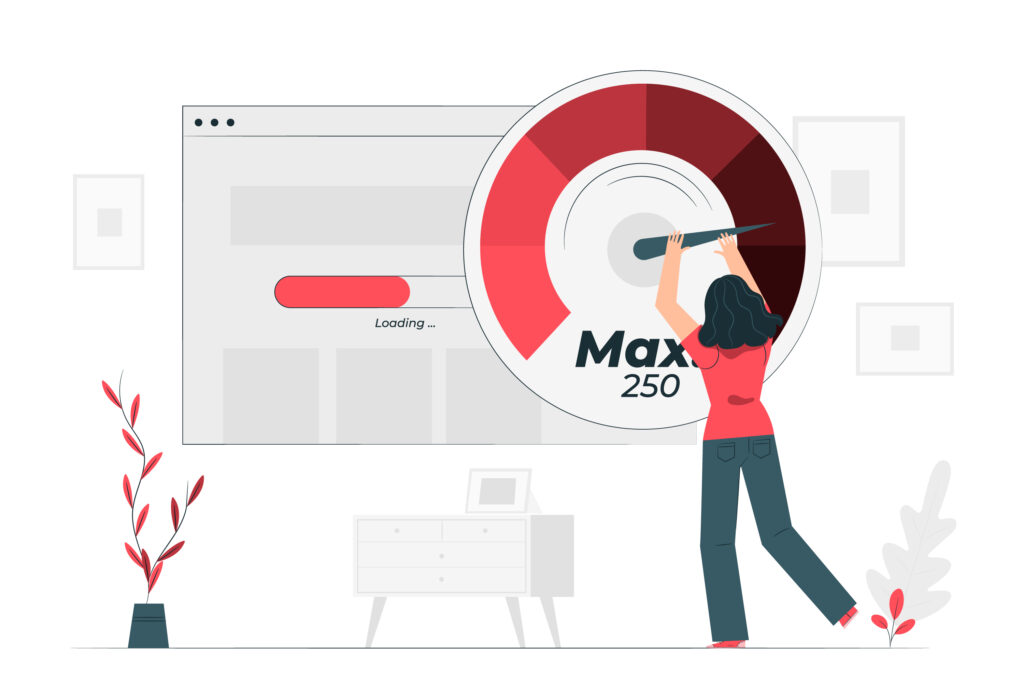
- Use Speed Testing Tools: Run your site through Google PageSpeed Insights, GTmetrix, or Pingdom to identify load-time issues and performance gaps.
- Analyze Core Web Vitals: Focus on key metrics such as First Contentful Paint (FCP), Largest Contentful Paint (LCP), and Time to Interactive to understand the real user experience.
- Check Server Response Time: A slow server increases the delay. Fast hosting improves page load speed and overall performance.
- Review Caching and CDN Setup: Ensure caching is enabled and that your CDN delivers content quickly across different locations.
- Find Heavy Files and Scripts: Large images, CSS, JavaScript, and third-party scripts are common causes of slow websites.
- Monitor Performance Inside WordPress: Use tools like Query Monitor to detect slow plugins, database queries, and backend issues.
- Test Speed Regularly: Check your site after updates, plugin changes, or traffic spikes to maintain consistent speed.
Common WP Site Speed Optimization Mistakes You Should Fix
Small mistakes can slow down your website and hurt performance without you noticing. Fixing these issues can improve page load time, user experience, and overall website speed.

Here’s the full list of WP speed optimization mistakes to avoid:
Ignoring Image Optimization
Large and uncompressed images are one of the biggest reasons for a slow WordPress site. High-resolution files increase page weight and delay loading, especially on mobile devices and slower connections. Compress images, use modern formats like WebP, and enable lazy loading so images load only when needed. This reduces load time and improves website performance without affecting quality.
Skipping Caching
Without caching, your server processes every request from scratch, which increases load time and places additional strain on the server. This directly affects site speed and user experience. Use caching plugins like WP Rocket or LiteSpeed Cache to create faster page versions. This reduces server response time and helps your site load much faster for repeat visitors.
Neglecting Updates
Outdated WordPress core, themes, and plugins can slow down your site and create performance issues. Old code often lacks optimization and can increase load time. Keep everything up to date to improve compatibility, fix bugs, and boost performance. Regular updates also help maintain better security and stable performance.
Overloading with Plugins
Too many plugins can add unnecessary scripts, increase database queries, and slow down your website. Poorly coded plugins make the problem worse. Keep only essential plugins and remove unused ones. Choose lightweight, well-coded plugins to improve performance and load speed.
Not Using a CDN
Without a CDN, your website loads from a single server, which increases latency for users in different locations. This leads to slower page load time globally. A CDN distributes your content across multiple servers worldwide, improving delivery speed. It reduces load time and enhances performance for users in different regions.
Failing to Monitor Speed
If you don’t regularly check your site speed, performance issues can go unnoticed. Small changes, such as new plugins or updates, can slow your site over time. Use tools like Google PageSpeed Insights or GTmetrix to track performance. Regular monitoring helps you identify and fix issues before they affect users.
Poor Hosting Choices
Low-quality hosting can slow down server response time and affect overall website performance. Shared hosting plans often struggle with high traffic and heavy sites. Choose reliable hosting with better resources and uptime. Good hosting improves speed, stability, and overall user experience.
Large CSS and JavaScript Files
Heavy CSS and JavaScript files can delay page rendering and increase load time. Unoptimized code blocks can delay the loading of important content. Minify and combine files, and defer non-critical scripts. This helps your page load faster and improves Core Web Vitals.
Inefficient Theme Selection
A heavy or poorly coded theme can slow down your site by loading unnecessary features and scripts. This affects both speed and performance. Use lightweight, performance-focused themes like Astra or GeneratePress. A clean theme improves load time and overall website speed.
Ignoring Mobile Performance
Most users visit websites on mobile devices, so slow mobile performance can increase bounce rate and reduce engagement. Mobile speed is also a ranking factor. Optimize images, simplify layouts, and test your site on mobile devices. A fast mobile experience improves user satisfaction and search rankings.
How to Prevent These Common WordPress Speed Optimization Mistakes?
To maintain WordPress speed optimization, focus on a few core habits that reduce load time, improve performance, and keep your site running smoothly.
- Optimize Images and Media Files: Compress images, use WebP format, and enable lazy loading to reduce page size and improve page load speed across devices.
- Enable Caching and Use a CDN: Caching reduces server load, while a CDN delivers content faster from global servers, improving website performance and user experience.
- Keep WordPress Core, Plugins, and Themes Updated: Updates fix performance issues, improve compatibility, and ensure your site runs efficiently without slowdowns.
- Reduce Plugin Load and Use Lightweight Themes: Too many plugins and heavy themes increase load time. Use only essential tools and choose performance-focused themes.
- Optimize CSS and JavaScript: Minify and combine files, and defer scripts to remove render-blocking resources and speed up page load time.
- Choose Fast and Reliable Hosting: A high-performance hosting provider improves server response time and ensures faster performance under heavy traffic.
- Monitor Site Speed and Performance Regularly: Use tools like Google PageSpeed Insights or GTmetrix to track performance and fix issues before they affect users.
Conclusion
Keeping your WordPress site fast doesn’t have to be complicated. Most slowdowns come from small things that you can fix with a few steady habits. When you take care of images, updates, plugins, and hosting, your site will feel much lighter and easier to use.
Remember to check your speed regularly and make small improvements as you go. These simple steps help your site stay quick, reliable, and ready for your visitors. A fast site always creates a better experience, and even small changes can make a big difference.
Frequently Asked Questions
Why is my WordPress site so slow?
A WordPress site can slow down because of large images, too many plugins, weak hosting, or missing caching. Small issues add up over time, making pages feel heavy.
How can I check the speed of my WordPress site?
You can test your speed using tools like Google PageSpeed Insights, GTmetrix, or Pingdom. These tools show you how fast your site loads and what needs to improve.
What is the easiest way to speed up a WordPress site?
Start with simple fixes: compress images, turn on caching, remove unused plugins, and switch to a lightweight theme. These alone can make your site much faster.
Do plugins slow down WordPress?
Some plugins can slow your site, especially if they are outdated or poorly coded. It’s best only to keep the plugins you need and delete the rest.
How often should I test my website speed?
Test your site every few weeks or whenever you add new plugins, themes, or content. Regular checks help you catch problems early and keep your site running fast.