Managing multiple client websites is not just about building them. It’s about keeping them secure, fast, and running without issues every single day. This is where WordPress maintenance becomes critical for agencies handling multiple projects.
One missed update, security gap, or performance issue can break a website, drop rankings, and damage client trust. That’s why agencies need a structured system to consistently manage updates, security, and performance.
In this guide, you’ll learn a complete maintenance checklist, how to create service plans, pricing strategies, and tools to manage multiple websites efficiently.
TL;DR: WordPress Website Maintenance for Agencies
- Consistent monitoring and optimization improve SEO, performance, and site reliability.
- Regular website upkeep keeps client sites secure, fast, and error-free.
- A structured checklist helps efficiently manage updates, backups, security, and performance.
- Clear service plans and pricing create recurring revenue and improve client retention.
- Using the right tools and automation reduces manual work and helps scale operations.
What is WordPress Maintenance?
WP maintenance is the process of regularly updating, securing, monitoring, and optimizing a website to keep it running smoothly. It includes tasks such as updating plugins and themes, backing up data, checking security, and improving performance.
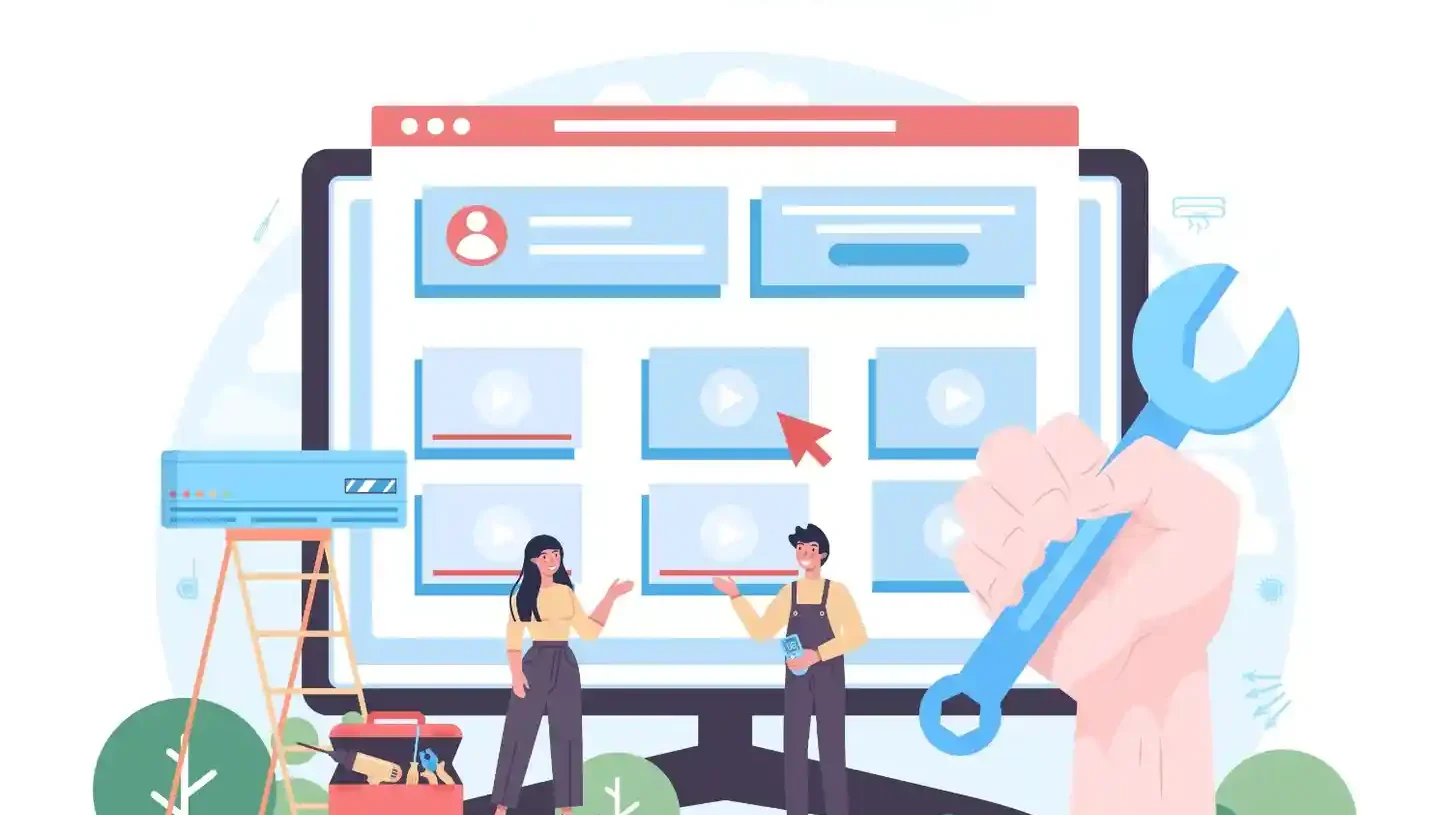
Without regular maintenance, websites can become slow, vulnerable to hacks, and prone to errors. Ongoing upkeep ensures the website stays secure, fast, and stable while maintaining search rankings and user experience.
Why WordPress Site Maintenance is Critical for Agency Clients?
WordPress website care services are essential for agencies managing client websites. Even minor issues such as missed updates or security gaps can lead to site crashes, slow performance, and loss of client trust.
Regular maintenance helps prevent downtime, improve website speed, and protect against hacks or malware. It also supports SEO by keeping the site fast, secure, and error-free, which helps maintain rankings.
Most importantly, consistent maintenance builds long-term client trust and ensures smooth website performance, free of unexpected issues.
How WPTasks Can Help Agencies Manage WordPress Website Maintenance?
Managing multiple client websites requires a consistent and reliable system. Without it, handling updates, security, and performance across sites becomes difficult and time-consuming.

WPTasks uses a subscription-based model designed for agencies. It offers monthly maintenance subscriptions to keep websites stable and secure, along with monthly development hour retainers for ongoing fixes and improvements.
As a white-label service with hosting support, it helps agencies deliver consistent results under their own brand while preventing issues before they impact client websites.
WordPress Maintenance for Agency Clients
Explore professional WordPress maintenance services to keep your client websites secure, updated, and running smoothly.
WordPress Site Maintenance Services Checklist for Agencies
Managing WP maintenance for client websites requires a structured and consistent approach. Without regular maintenance, websites can become slow, insecure, and unstable, which directly affects performance, SEO, and client trust.
A robust maintenance checklist ensures nothing is missed and that every website stays stable, secure, and optimized. Agencies that follow a structured checklist reduce errors, improve performance, and maintain consistent results across all client websites.
Update WordPress Core, Themes, and Plugins
Keeping WordPress core, themes, and plugins up to date is critical for security and compatibility. Outdated software is one of the main reasons websites get hacked or break due to conflicts.
You should enable automatic updates for minor releases and always review changelogs before updating plugins or themes. It is also important to test updates on a staging site when possible to avoid breaking live websites.
Backup Files and Databases Regularly
Regular backups ensure you can quickly restore a website in the event of a crash, hack, or data loss. Without backups, recovery becomes difficult and can result in significant downtime. Use reliable backup tools and store backups on secure external platforms. It is also important to test backups regularly to ensure they can be restored without errors.
Monitor Website Security
Security monitoring should be continuous to prevent threats before they cause damage. Regular malware scans, firewall protection, and login monitoring help detect suspicious activity early. You should also secure access to critical areas, such as the admin panel and configuration files. Limiting access, changing default login URLs, and using security plugins can significantly reduce risk.
Optimize Database and Performance
Over time, your database accumulates unnecessary data, such as revisions, spam comments, and temporary files. This can slow down the website and impact both user experience and search rankings. Regular database cleanup, caching, image optimization, and script minification help improve page load speed. Faster websites lead to better engagement, lower bounce rates, and improved SEO performance.
Manage User Accounts
User account management is important to maintain control and security. Only authorized users should have access, and permissions should be assigned carefully. You should regularly review user roles, remove inactive accounts, and enforce strong password policies. Adding two-factor authentication provides an extra layer of protection against unauthorized access.
Check for Broken Links
Broken links harm both user experience and SEO. Visitors may leave the site if they encounter errors, and search engines may reduce your rankings due to poor site quality. Regular link audits help identify and fix broken links quickly. This ensures smooth navigation and maintains the credibility of your website.
Test Forms and Features
All website features should work properly at all times. Contact forms, checkout pages, login systems, and other interactive elements must be tested regularly. This helps prevent lost leads, failed transactions, or poor user experience. Even small issues in forms or features can directly impact business results.
Review Hosting and Server Performance
Hosting and server performance play a major role in website speed, uptime, and reliability. Poor hosting can cause slow loading times, downtime, and performance issues.
You should regularly monitor server response time, uptime, and resource usage. Using analytics and performance tools helps identify bottlenecks and improve overall website performance.
Following this checklist helps agencies maintain consistent performance, reduce risks, and deliver reliable results for their clients while improving long-term website stability and SEO outcomes.
How to Create WordPress Maintenance Plans for Clients?
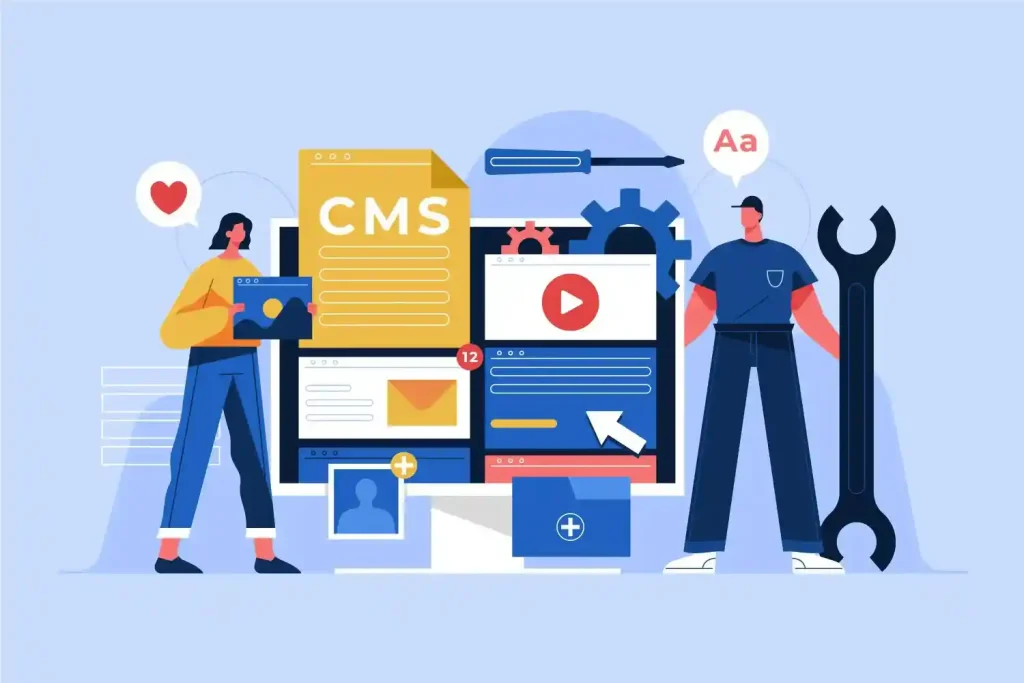
Creating structured maintenance plans helps agencies deliver consistent service while building recurring revenue. Instead of offering generic services, you should align your plans with client needs, website complexity, and business goals.
Basic Plan
The basic plan covers essential maintenance tasks required to keep a website stable and secure. This includes regular updates, backups, and basic security monitoring. It is suitable for small websites that do not require frequent changes but still need ongoing maintenance.
This plan is ideal for clients with limited budgets who want to avoid major risks without investing in advanced services. It ensures the website stays functional, protected, and up to date without unnecessary complexity.
Growth Plan
The growth plan focuses on improving performance and tracking website health. Along with updates and backups, it includes performance optimization, uptime monitoring, and detailed reports. This plan works well for growing businesses that rely on website traffic and need better performance.
It also helps clients understand how their website is performing through regular reporting. With ongoing optimization and monitoring, agencies can identify issues early and improve speed, engagement, and overall site efficiency.
Premium Plan
The premium plan offers complete coverage with advanced maintenance, security, and ongoing improvements. It includes priority support, advanced security checks, SEO monitoring, and continuous optimization. This plan is ideal for high-traffic websites and businesses that depend heavily on their online presence.
This plan focuses on long-term growth and stability. It ensures that the website not only stays secure and up to date but also continues to improve in performance, search visibility, and user experience over time.
WP Maintenance Pricing Strategy for Agencies
Pricing WordPress website maintenance services requires a balance between value and effort. Agencies should focus on recurring pricing models that provide steady revenue while clearly communicating the benefits to clients.
You can choose monthly pricing per website or offer bundled plans based on service levels. The cost depends on factors like website size, traffic, complexity, security needs, and the level of support required.
Positioning your pricing around value is important. Instead of selling tasks, highlight outcomes such as improved performance, enhanced security, and reduced downtime. This helps clients understand why maintenance is necessary and worth the investment.
Sample Pricing Structure
| Plan | Monthly Price | Includes |
| Basic | $49-$99 | Updates, backups, basic security |
| Growth | $99-$199 | Performance optimization, monitoring, reports |
| Premium | $199-$399+ | Advanced security, SEO, priority support |
How to Sell WP Maintenance Services to Clients?
Selling maintenance services is about helping clients understand the risks and long-term value. Most clients do not realize the importance of maintenance until something breaks.
You should clearly explain the risks of failing to maintain a website, including security breaches, downtime, and performance issues. Show the value by focusing on results like faster websites, better rankings, and improved reliability.
Using regular reports helps demonstrate the work being done and builds trust. Offering clear packages makes it easier for clients to choose a plan based on their needs and budget.
Tools to Manage Multiple WordPress Sites
Managing multiple WordPress websites manually can be time-consuming and inefficient. Using the right tools helps agencies streamline maintenance tasks and manage everything from a single dashboard.
- ManageWP: Helps manage updates, backups, and performance monitoring across multiple websites from one place
- MainWP: A self-hosted solution that gives full control over managing multiple client sites with advanced customization
- InfiniteWP: Allows bulk updates, backups, and centralized management, making it easier to handle multiple websites efficiently
These tools reduce manual work, improve consistency, and help agencies scale their operations without increasing workload.
Advanced WordPress Maintenance Tasks and Strategies for Agencies
The basic maintenance tasks keep websites running, but advanced strategies help agencies scale operations, improve efficiency, and deliver higher value to clients. These steps help you move from routine maintenance to a more structured, reliable service model.

Automate WordPress Site Upkeep Tasks
Managing multiple websites manually can take a lot of time and increase the chances of errors. Automation tools help streamline repetitive tasks like updates, backups, and monitoring across all client websites.
Using tools like ManageWP, MainWP, or Uncanny Automator allows you to schedule tasks, track performance, and manage multiple sites from a single dashboard. This improves efficiency and ensures nothing gets missed.
Advanced Security Hardening
Basic security is not enough when managing client websites at scale. Advanced security hardening helps protect websites from targeted attacks and reduces long-term risks.
You should disable PHP execution in sensitive directories, restrict access to important files such as wp-config and .htaccess, and protect login areas from brute-force attacks. Adding rate limiting, CAPTCHA, and firewall rules further strengthens website security.
Client-Specific Maintenance Plans
Every client website has different needs based on traffic, complexity, and business goals. A one-size-fits-all approach does not work for long-term success.
You should tailor maintenance plans based on client requirements. This can include regular content updates, SEO monitoring, performance tracking, and custom analytics reporting. A personalized maintenance approach helps improve results and client satisfaction.
Build a Consistent Maintenance System
A well-defined maintenance routine ensures that every website remains secure, up to date, and optimized over time. Consistency is key to preventing issues before they affect performance. By combining automation, security, and customized plans, agencies can deliver reliable results, reduce risks, and scale their WordPress operations efficiently.
Common WordPress Maintenance Mistakes Agencies Make
Many agencies face recurring issues because they overlook basic maintenance practices. These mistakes may seem small at first, but they can lead to serious problems like site downtime, security breaches, and loss of client trust.
- Skipping Updates: Outdated plugins, themes, and core files create security vulnerabilities and can break website functionality due to compatibility issues
- No Backups: Without regular backups, recovering a hacked or crashed website becomes slow and risky, leading to potential data loss
- Weak Security: Poor security setup, no firewall, and weak login protection make websites easy targets for malware and attacks
- No Reporting: Not sharing maintenance reports makes clients unaware of the work being done, reducing transparency and perceived value
Avoiding these mistakes helps agencies deliver consistent performance, prevent critical issues, and build long-term client relationships.
How WordPress Maintenance Impacts SEO and Performance?
WP maintenance directly affects both SEO and website performance. A well-maintained website performs better in search results and delivers a smoother user experience.
Regular updates and optimization improve load times, which is a key ranking factor. Faster websites reduce bounce rates and increase user engagement, both of which positively impact SEO.
Maintenance also helps prevent downtime, ensuring your website remains accessible to both users and search engines. A stable, secure website builds trust and improves overall performance, leading to better rankings and more consistent traffic.
Best Tools and Plugins for WordPress Support and Maintenance
Using the right tools and plugins makes WordPress run faster, more efficiently, and more reliably. These tools help automate tasks, reduce manual effort, and improve website security and performance.
- Wordfence: A powerful security plugin that offers firewall protection, malware scanning, login security, and real-time threat detection.
- UpdraftPlus: A reliable backup solution that allows automated backups and easy restoration, with support for cloud storage like Google Drive and Dropbox
- WP Rocket: A performance optimization plugin that improves website speed through caching, file compression, and lazy loading features.
- Sucuri: A complete security and monitoring solution that provides malware removal, website monitoring, and a cloud-based firewall for added protection
Using a combination of these tools helps agencies manage multiple websites efficiently, maintain strong security, improve loading speed, and ensure consistent performance across all client sites.
Conclusion
Managing client websites is not just about building them; it’s about keeping them stable, secure, and optimized over time. Without proper maintenance, even minor issues can escalate into major problems that affect performance, rankings, and client trust.
A structured approach with clear checklists, defined plans, and the right tools helps agencies deliver consistent results. It also creates predictable revenue and strengthens long-term client relationships.
By focusing on regular updates, security, performance, and reporting, agencies can ensure every website runs smoothly while scaling their operations with confidence.
FAQs on WordPress Care for Agency Clients
Why does a WordPress website require regular maintenance?
A WordPress site requires maintenance because outdated plugins and themes pose security risks and degrade performance. Regular WordPress updates, security monitoring, and automated backups keep the site secure and running smoothly.
What should be included in a professional WordPress website maintenance plan?
A complete maintenance plan should cover WordPress core updates, theme updates, plugin updates, uptime monitoring, database optimization, website speed improvements, and regular reporting. Premium tiers often include malware scans, priority support, and staging site environments.
How do maintenance reports help improve client trust?
WP maintenance reports highlight completed tasks, performance monitoring, and security fixes. Clear white-label reports enable digital agencies to keep clients informed, demonstrate value, and collect client feedback to build stronger long-term relationships.
Can agencies manage multiple sites efficiently?
Yes. With the right tools, WordPress experts can streamline site management through automated updates, real-time backups, and centralized dashboards. This saves valuable time, reduces downtime, and improves the site’s health.
How does WordPress maintenance impact SEO and performance?
Regular maintenance directly affects SEO rankings and user engagement. Performance optimization, image optimization, and speed optimization improve site performance and website speed, while security measures prevent downtime that could harm search engine rankings and organic traffic.